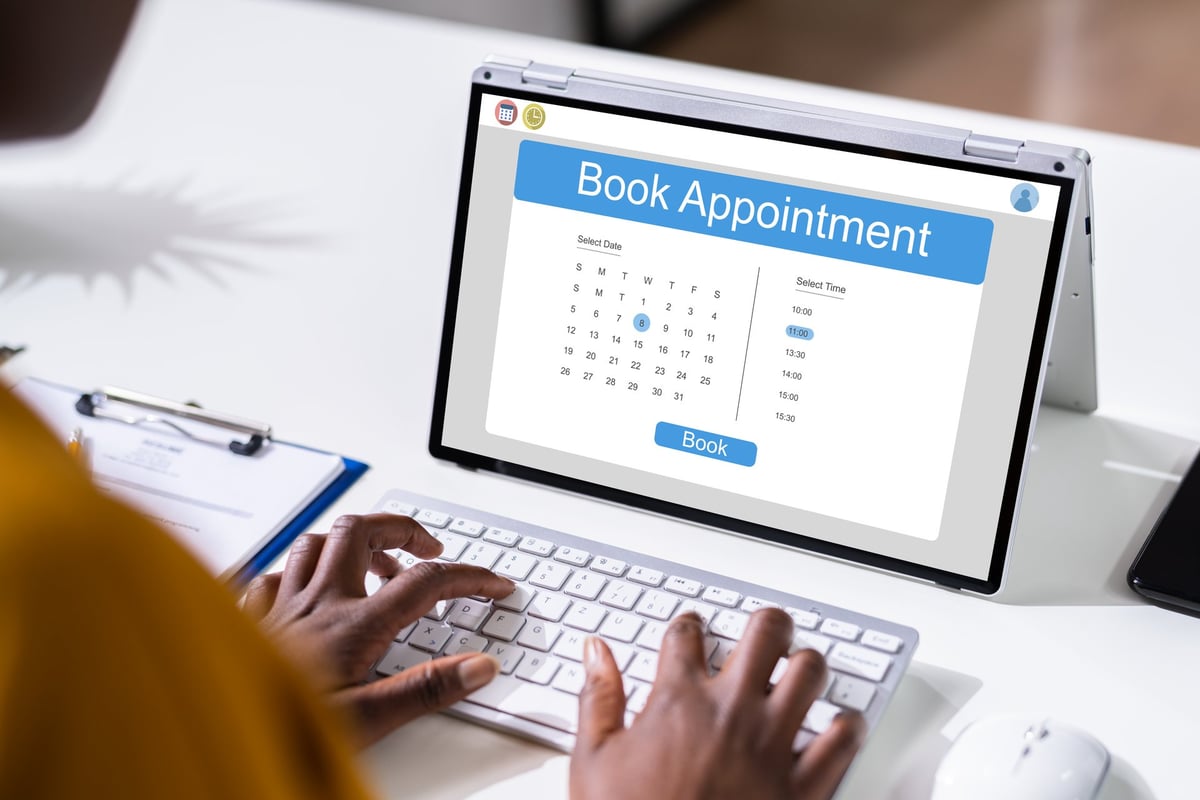
3. Fill Out an Appointment Request Form
Not every dental practice offers instant online booking.
Instead, the website may provide an
appointment request form.
This is slightly different from selecting a confirmed appointment
time.
For example, the form might ask:
Name:
Phone:
Email:
Preferred date:
Preferred time:
Reason for appointment:
After submitting the form, the dental practice team can contact you to
confirm an appointment.
This can be particularly useful if you're unsure what type of
appointment you need.
For example, you could explain:
"I've had tooth pain for two days and would like to see a dentist."
The practice can then determine the most appropriate appointment type.
4. Book Through Website Chat
Some dental practices use website chat systems that allow patients to
communicate with the practice without immediately making a phone call.
Instead of completing a traditional contact form, you may see a chat
box in the corner of the website.
The conversation may ask questions such as:
You may then be able to choose an option such as:
-
Book an appointment
-
Existing patient
-
New patient
-
Emergency dental care
-
General enquiry
Depending on the system and how the practice has configured it, the
chat may collect your details, help identify your preferred
appointment or connect you with the practice team.
5. Conversational Booking and Patient Messaging
Some dental practices use patient communication platforms that provide
messaging and conversational features. Examples include platforms such
as Podium and
Birdeye.
Depending on the practice's setup, you may be able to:
-
Ask about appointments
-
Request a booking
-
Provide your contact details
-
Receive a response from the practice
-
Confirm or discuss appointment details
However, the exact functionality varies between practices. A chat
button doesn't necessarily mean that you can instantly select and
confirm an appointment. Sometimes the message is simply sent to the
dental practice team for follow-up.